Hardware Installation
For CowCatcherAI, you need two main hardware components: security cameras and a computer to process the images using AI. Choose the setup that best fits your farm.
The Computer (AI Host)
The software runs locally on your own hardware for maximum privacy and speed. Depending on the number of cameras and your budget, you can choose from the following setups:
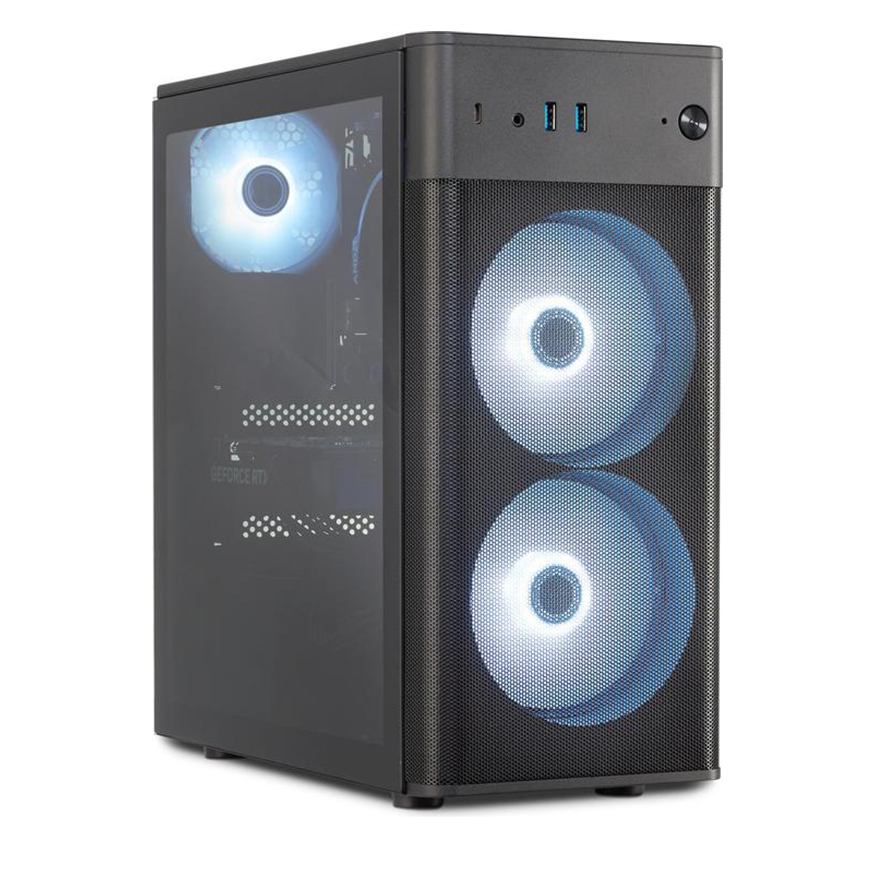
Gaming PC (NVIDIA GPU)
Maximum speed and performance. Suitable for up to 15 cameras.
More information
Requires an NVIDIA GPU from generation RTX 3060 (for CUDA 13) or from generation GTX (for CUDA 12.6). This setup extracts the maximum speed from the program, making it ideal for large barns.
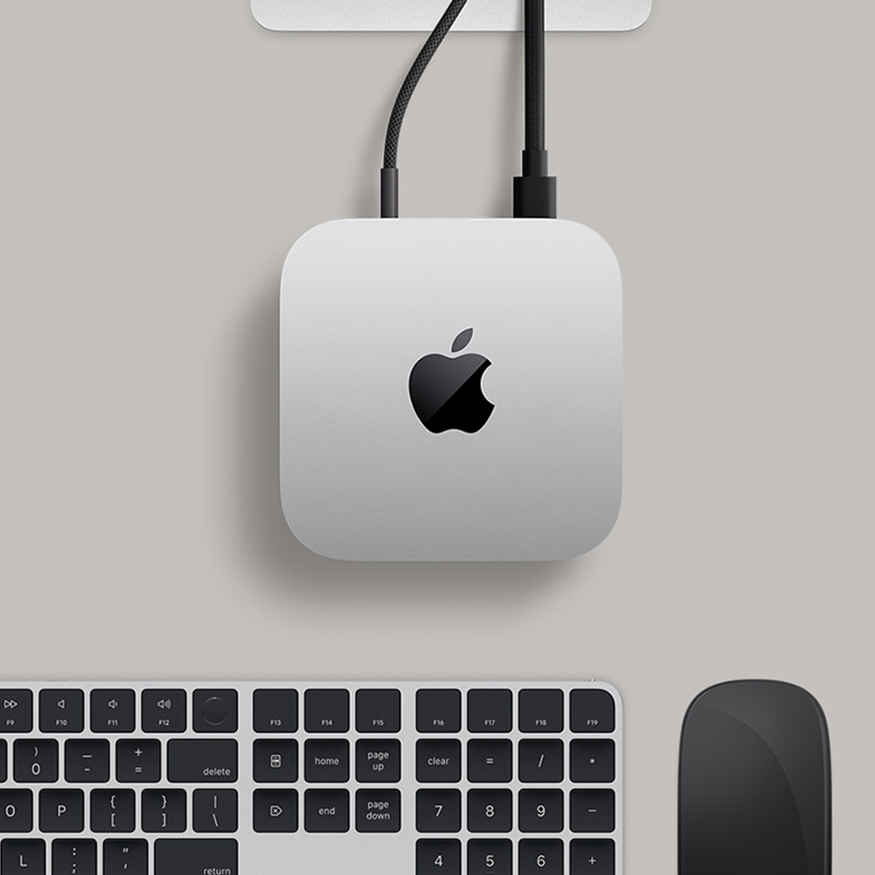
Mac mini (M4)
Energy-efficient, compact, and extremely user-friendly. Suitable for up to 8 cameras.
More information
Its strength lies in low energy consumption and ease of use. It runs the native OS version of our program seamlessly.
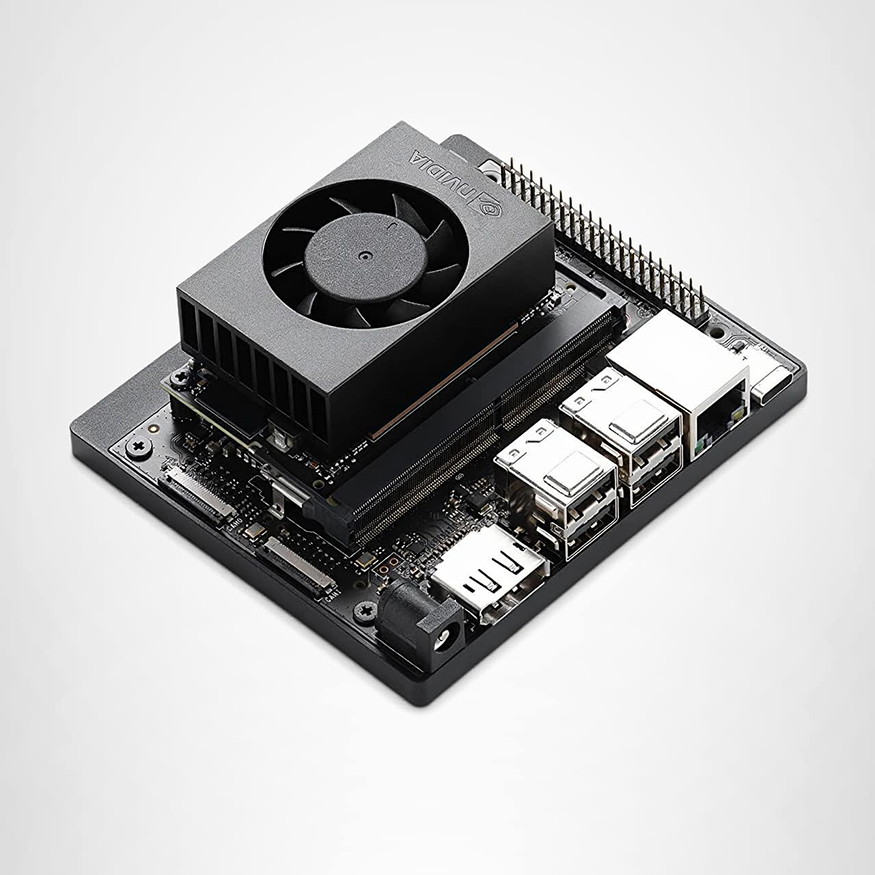
NVIDIA Jetson Nano
Edge computing with the lowest purchase price and energy consumption. Suitable for up to 6 cameras.
More information
Disadvantages are the complexity of the installation and the requirement to use the Docker version of the program.
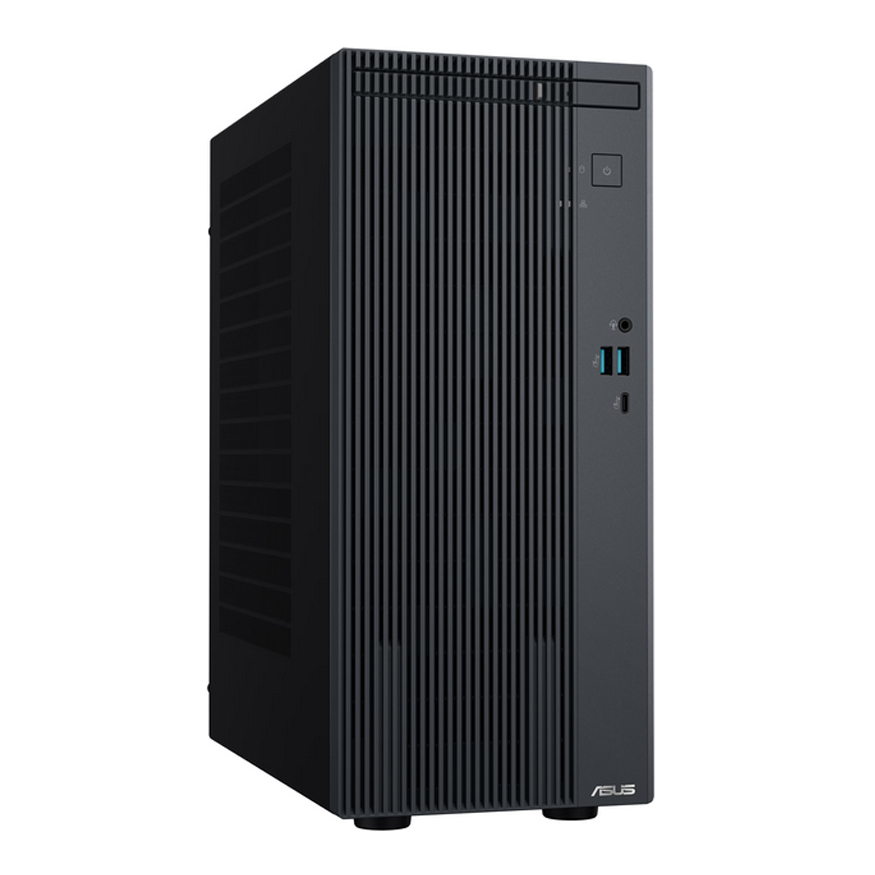
Refurbished Desktop (Intel i5)
The lowest purchase price. Suitable for 1 or 2 cameras.
More information
Has a slower processing time (around 250 ms) and an average energy consumption of about 100 watts. This setup runs the WINML version of our program.
The Cameras
You can use almost any IP camera, provided it supports RTSP (Real-Time Streaming Protocol). Ensure they are mounted high for a clear view.
Standard IP Camera
Basic RTSP supported network camera.
More information
Ideal for well-lit barns. Make sure it has a stable wired connection to your network switch.
Requirements
To connect everything reliably, you will need the following networking and protection components:
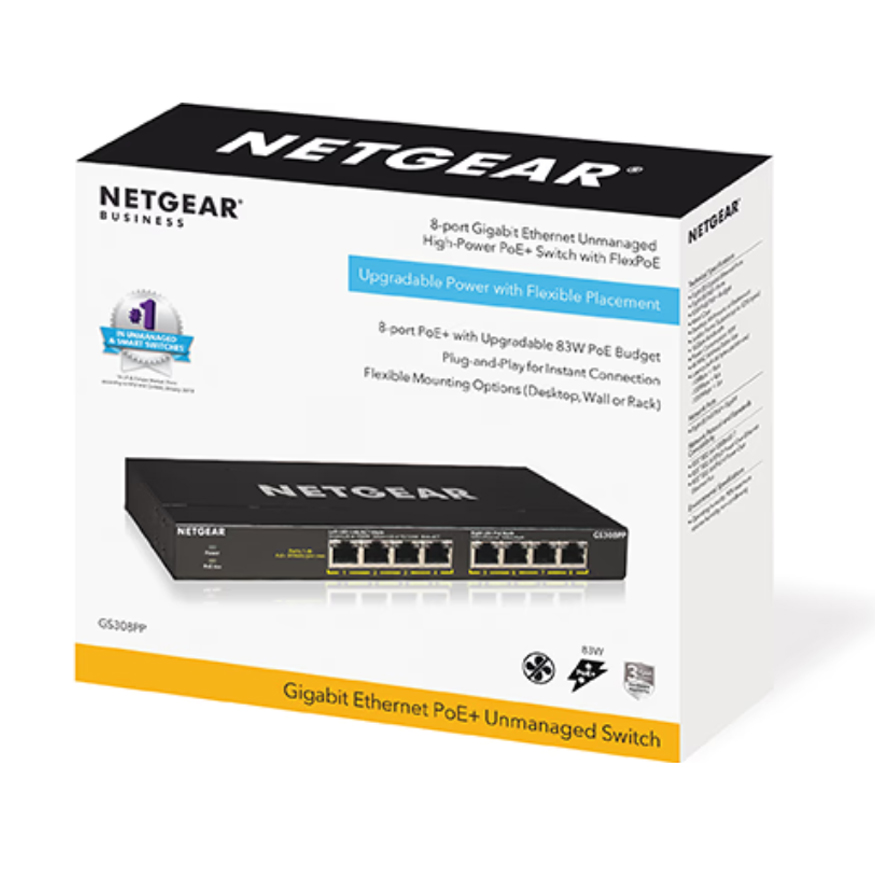
PoE Network Switch
Power and data over a single cable.
More information
Features 1 internet input cable, transmitting data and power over the exact same cable directly to each camera.
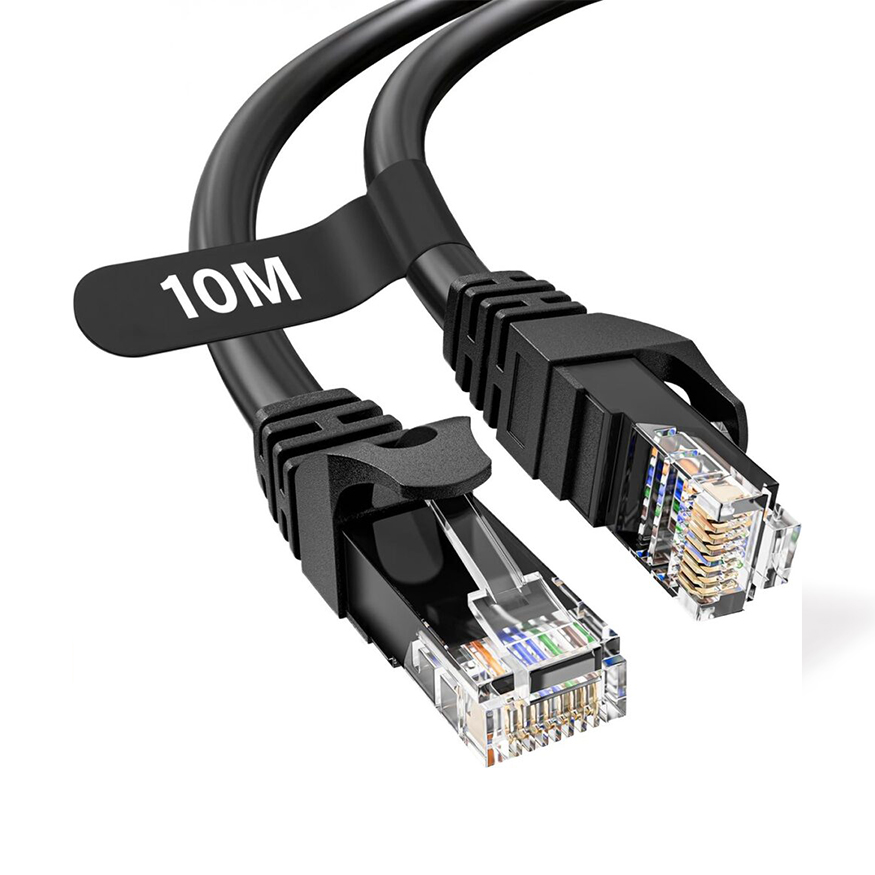
Internet Cable
Cat5e or newer (Cat6/Cat6a) network cable.
More information
Cat5e is sufficient, but newer cables like Cat6 or Cat6a are also excellent. If they are the same price, choose Cat6/Cat6a. Go for flexible stranded wires instead of solid wires. AWG 24 is good enough. You can buy cables with pre-installed plugs or without, depending on what is easiest for your installation.

Waterproof Box
Protection against water and dust in the barn.
More information
In the barn, water and dust are your biggest enemies. The cleanest solution is to tuck the cable connection away in a neat waterproof box with cable glands (wartels). At the very least, make sure to tape the connection completely tight.
DIY Cable Making
Making and routing the cables yourself is easy and very manageable. Instead of buying pre-made cables with connectors, you can install them yourself. Here is what you need:
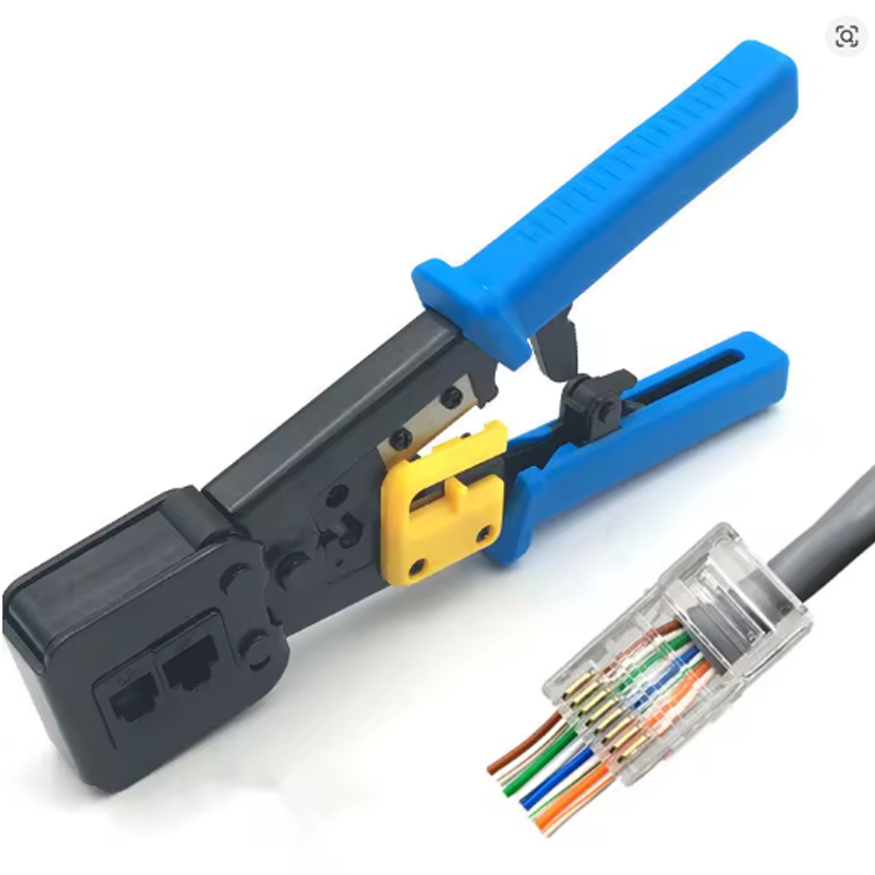
Pass-through Crimp Tool
Crimping tool with a built-in blade.
More information
A special crimping tool with a blade for pass-through connectors makes the job quick and error-free.
Pass-through Connectors
Cat6 or Cat6a pass-through plugs.
More information
The easiest option is to buy the pass-through variant for Cat6 or Cat6a from AliExpress.
DIY IP Box Components
Waterproof box, cable glands, and a hole saw.
More information
You can assemble your own waterproof box using a budget-friendly waterproof junction box from AliExpress, along with appropriate cable glands (wartels) and a hole saw (gatenboor) to drill the entry points.
Impact-Resistant PVC Pipes
Heavy-duty PVC conduit to protect the routing.
More information
Use impact-resistant PVC pipes to neatly hide and protect the cables from animals, dust, or physical damage in the barn.