AI Detector
One software program for both Calving and Cowcatcher. Monitor your video streams, catch the action, and get instant alerts.
{
  "detectors": [{
    "detection": {
      "source": ["rtsp://…/sub"]
    },
    "yolo": {
      "model": "cowcatcherV15.pt",
      "confidence": 0.90,
      "frames_min": 4
    },
    "exporters": {
      "telegram": [{ "chat": "…" }]
    }
  }]
}
One Detector, Endless Possibilities
At Cowcatcher AI, we train and develop the vision models. The AI Detector is the software layer that applies these models in practice—using their learned knowledge to perform accurate, real-world detections.
The detector could also be used outside the Cowcatcher provided models and used for your own projects—for example, alerting for people, cars, tractors pulling up, etc.
Smart Capture & Alerts
Image Detection
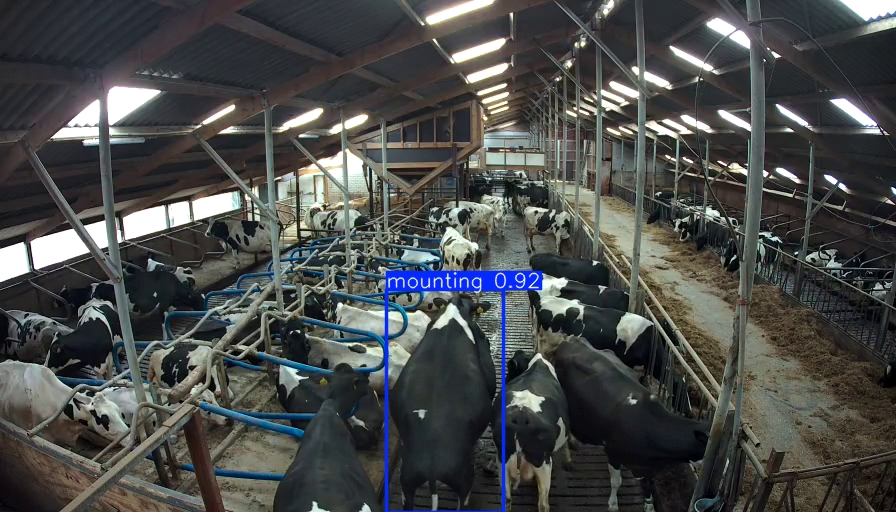
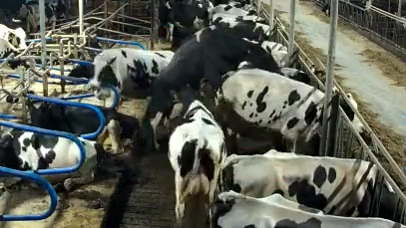
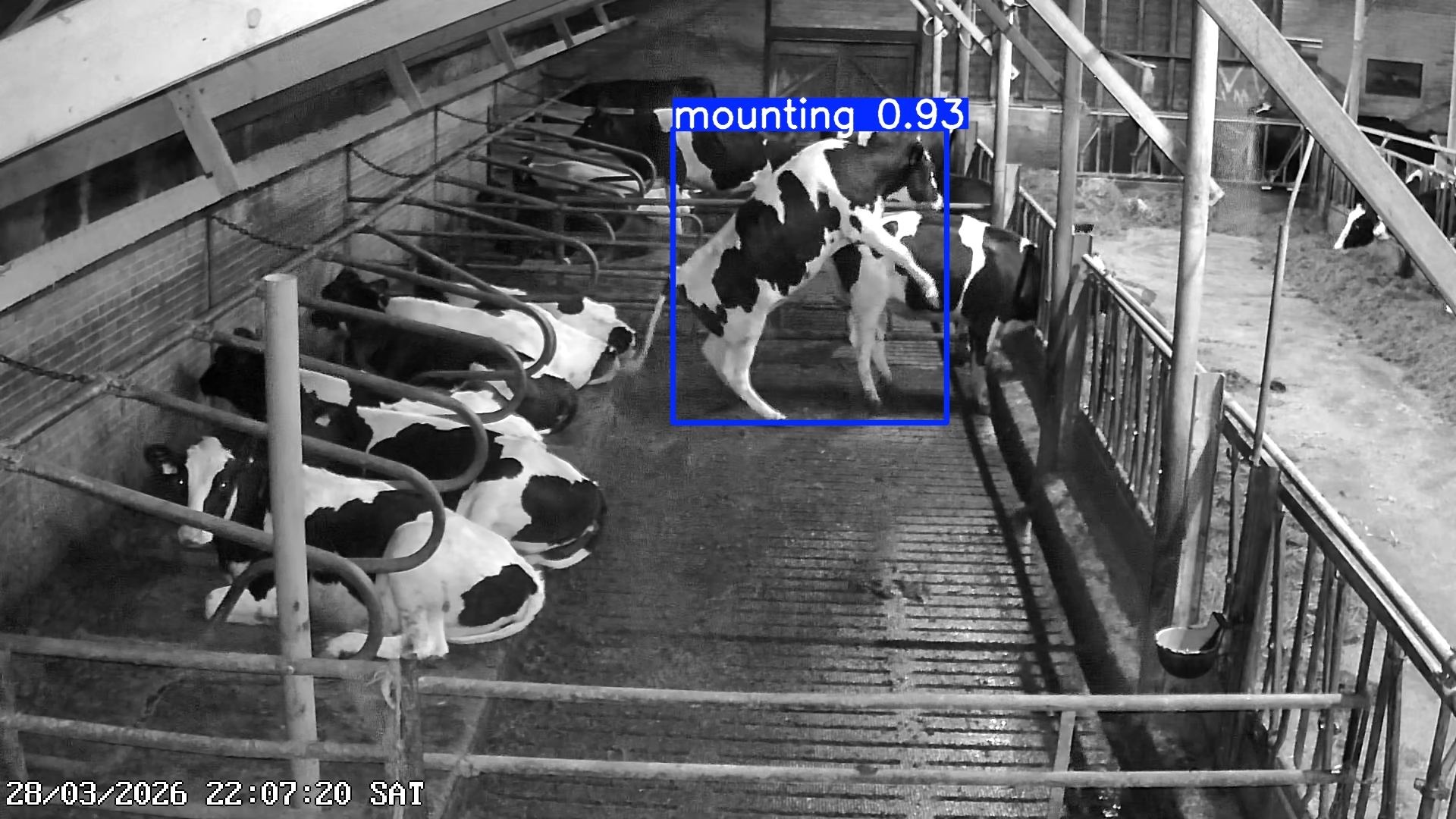
You can choose how you would like to receive images of detections. Options include the full image, a zoomed-in view around the detection (for example, for calving), or both. The AI detector automatically selects the best captured moment to send to you, helping you make the most informed decision.
Video Detection
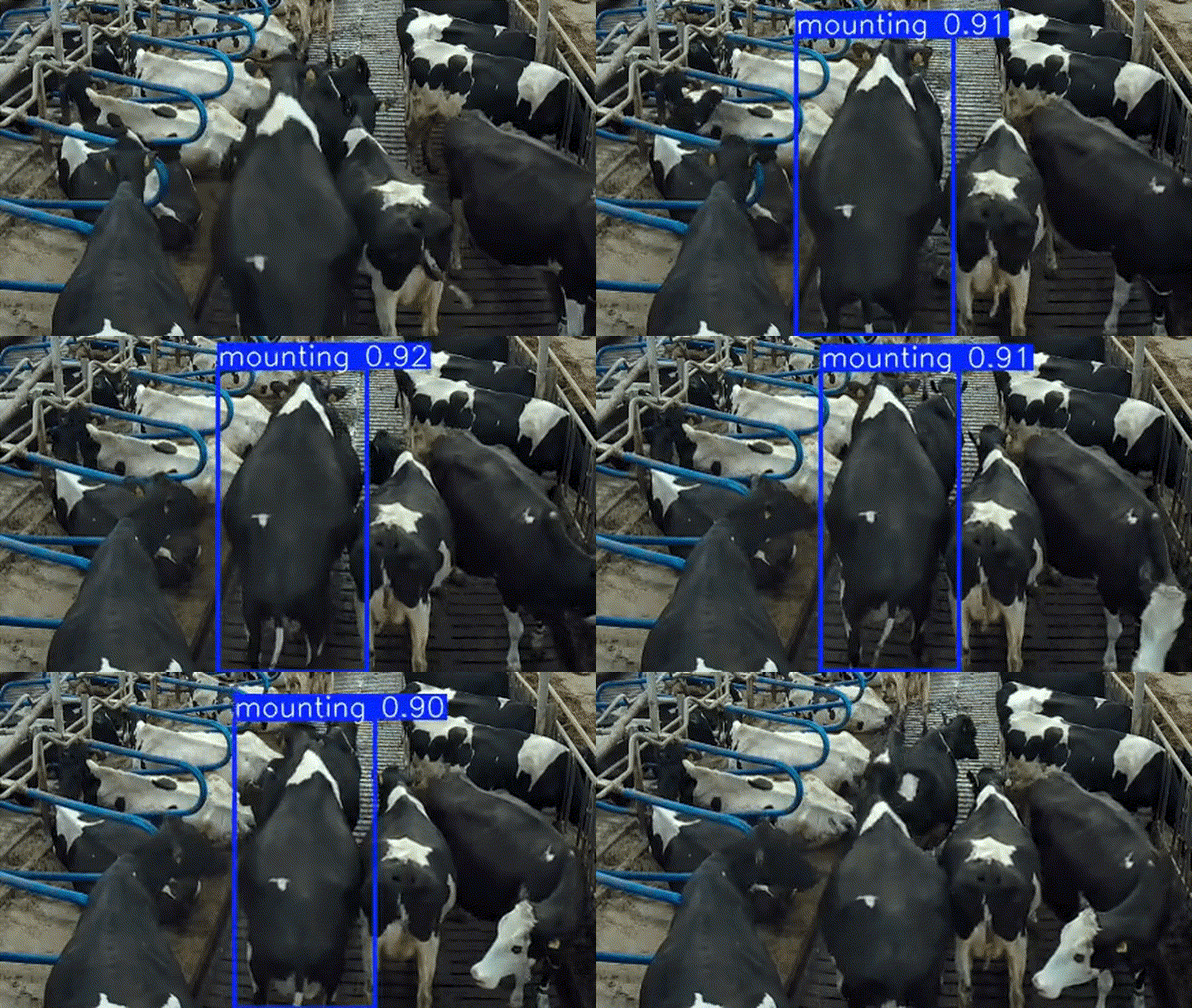
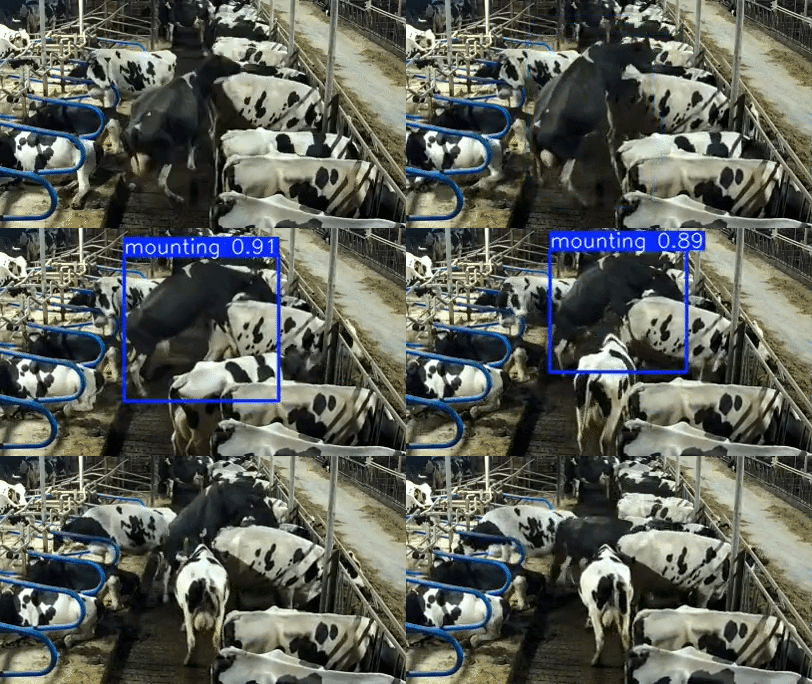
The detector can send a short video of the event. Using a special technique, it records a smooth video, regardless of your computer’s performance. This is useful for estrus detection, as it helps determine whether the cow is standing still or actively mounting (in heat).
-
100% Local Processing
Keep your data private. Object detection runs completely locally on your hardware using lightning-fast YOLO models. No cloud required for the core detection.
-
Anywhere on Your Network
Access the intuitive WebApp dashboard from your mobile phone, tablet, or desktop. As long as you are connected to the same Wi-Fi network as the host computer, you have full control.
-
Highly Configurable
Make it your own. Whether you're alerting for cows, people, or vehicles, the entire system is easily tweaked through a single config.json file.
How it Works
- 01
Fast Local Scanning
The detector connects to your RTSP streams or video files. A fast YOLO model scans every frame looking for specific objects.
- 02
Smart VLM Verification (Optional)
To filter out false alarms, you can optionally ask a Vision Language AI (like Gemini) a custom question about the footage (e.g., 'Is there really a person?').
- 03
Instant Alerts
Confirmed detections can be saved to disk, posted to a webhook, or sent straight to your Telegram chat complete with images and video clips.
Simple Installation
Getting started takes minutes, not hours. Choose the setup that fits your environment.